Add/Edit...Documentation...Categories
IndySoft includes a Categories section for Documents and Procedures. Admins can create and specify categories for both Procedures and Documents, and these dropdown lists populate appropriately in the add/edit procs and docs dialogs, respectively.
Categories are primarily for the purposes of sorting and batch-creating employee procedure trainings based upon a grouping of procedures.
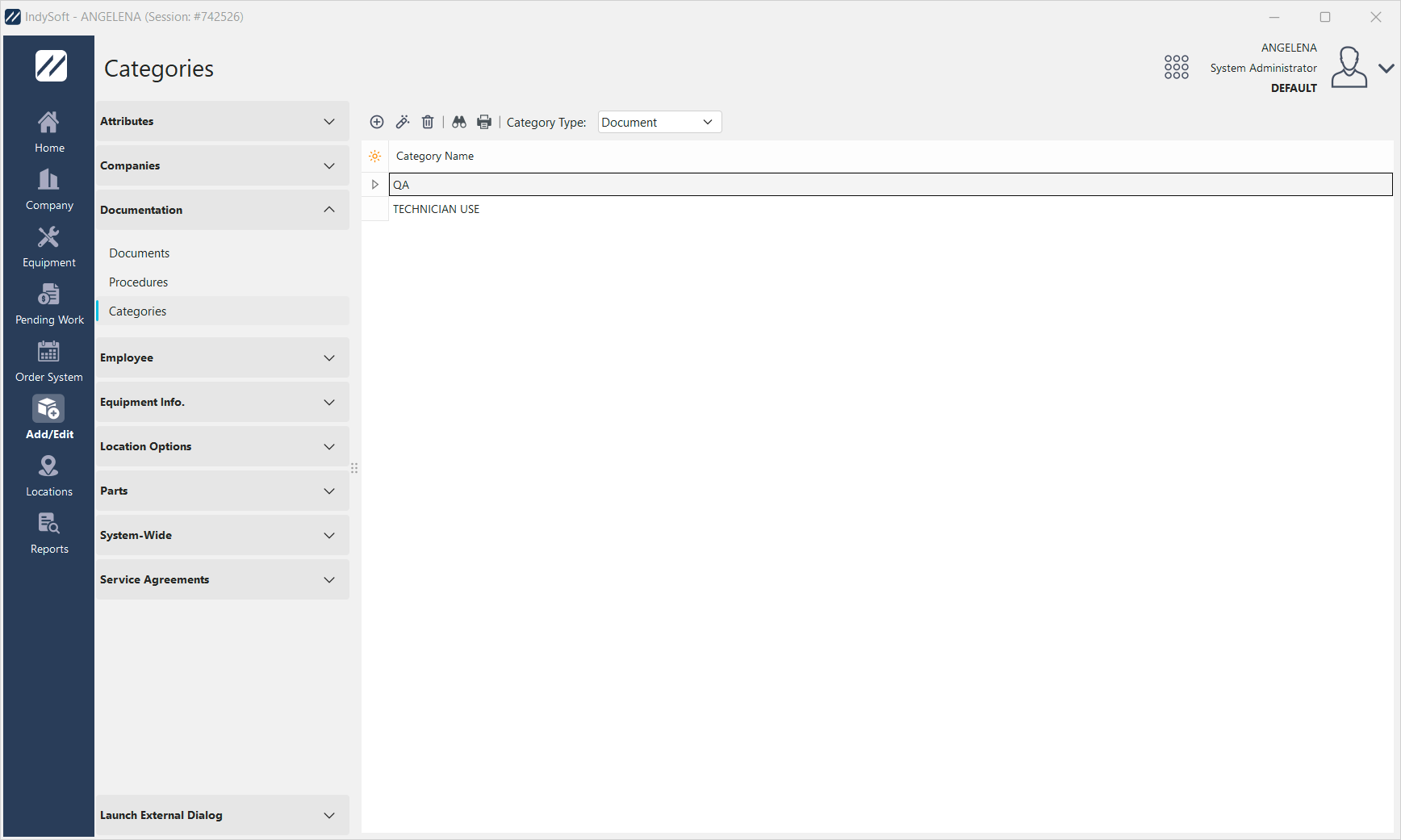
Add/Edit Documentation - Categories
You can switch between the category lists (Documents vs Procedures) by using the 'Category Type' dropdown in the menu:
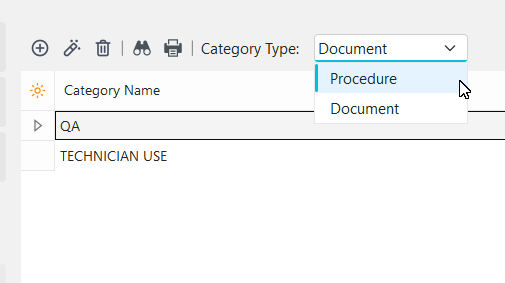
Category Type Dropdown
 Use these menu options respectively to add, edit, or delete a category from the list