Standard Reports - Overview
Standard Reports are created using the IndySoft Standard Report Wizard. This wizard allows the selection of a basic report type, display fields/order, filter information, and page setup. System Administrators set up the visibility for standard reports in the Profile Manager...Options...Set upCustom Search By's/Reports utility.
Standard Reports can be accessed through the Search/Reports Menu icon in the IndySoft header. Reports may also be accessed through the PrintBuilder module. Several pre-designed templates are already included.
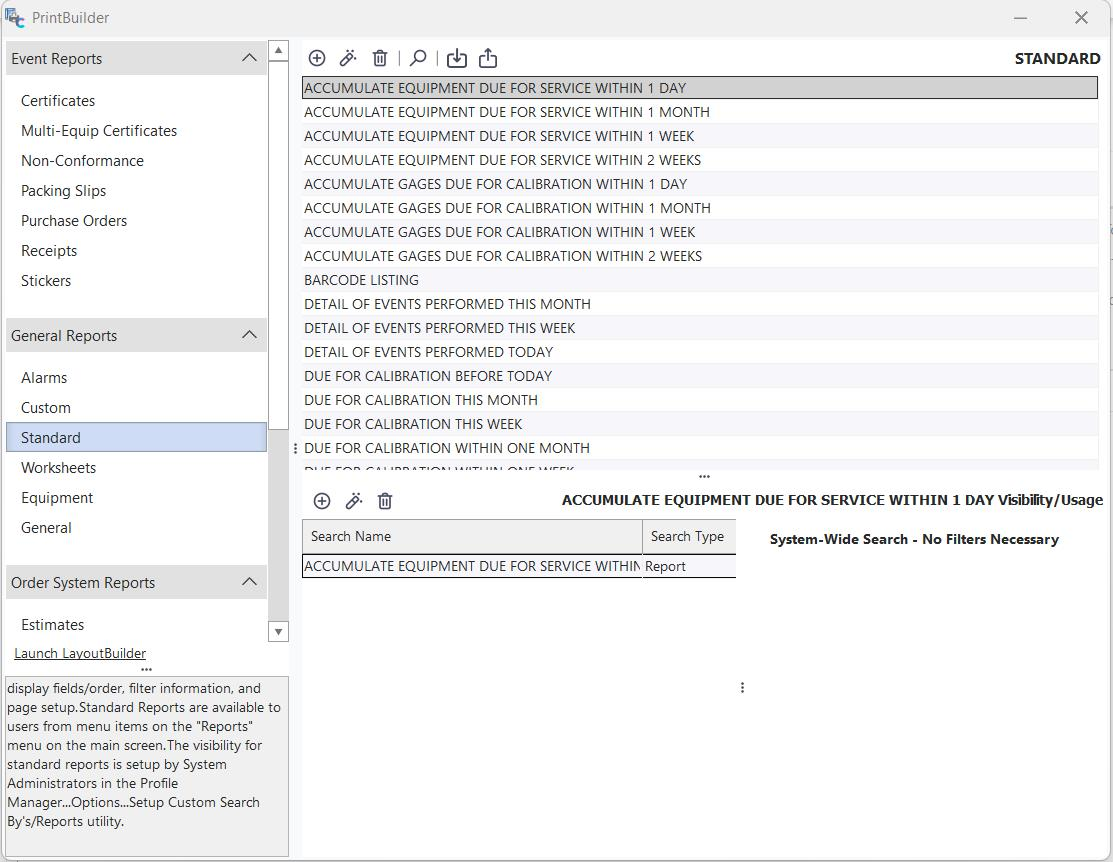
PrintBuilder Standard Reports Dialog
When you double-click on a report in the grid or create a new template, the report wizard dialog will appear (as pictured below).
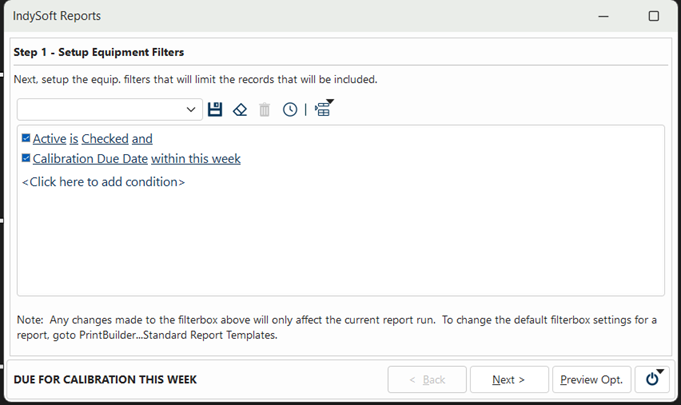
IndySoft Report Wizard Dialog
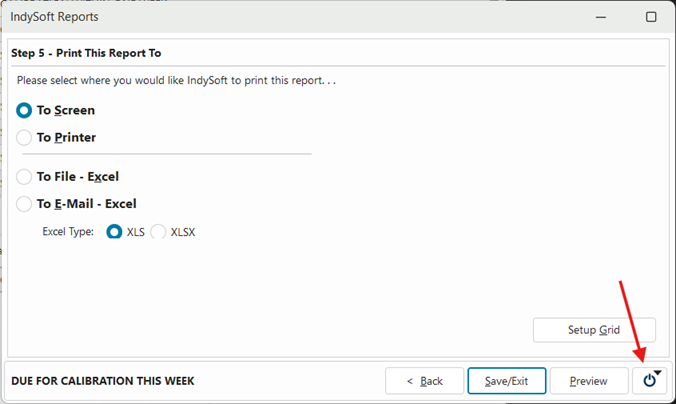
Report Wizard Exit Icon
If you want to exit the report wizard at any point during the setup process, click on the door icon in the lower-left corner of the dialog. This will open a prompt with either one or two options, 'Save & Exit' or 'Cancel & Exit,' depending on your changes.
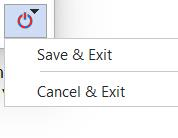
Report Wizard Exit options