Logging In
When you first start the CalRover app, the login screen appears.
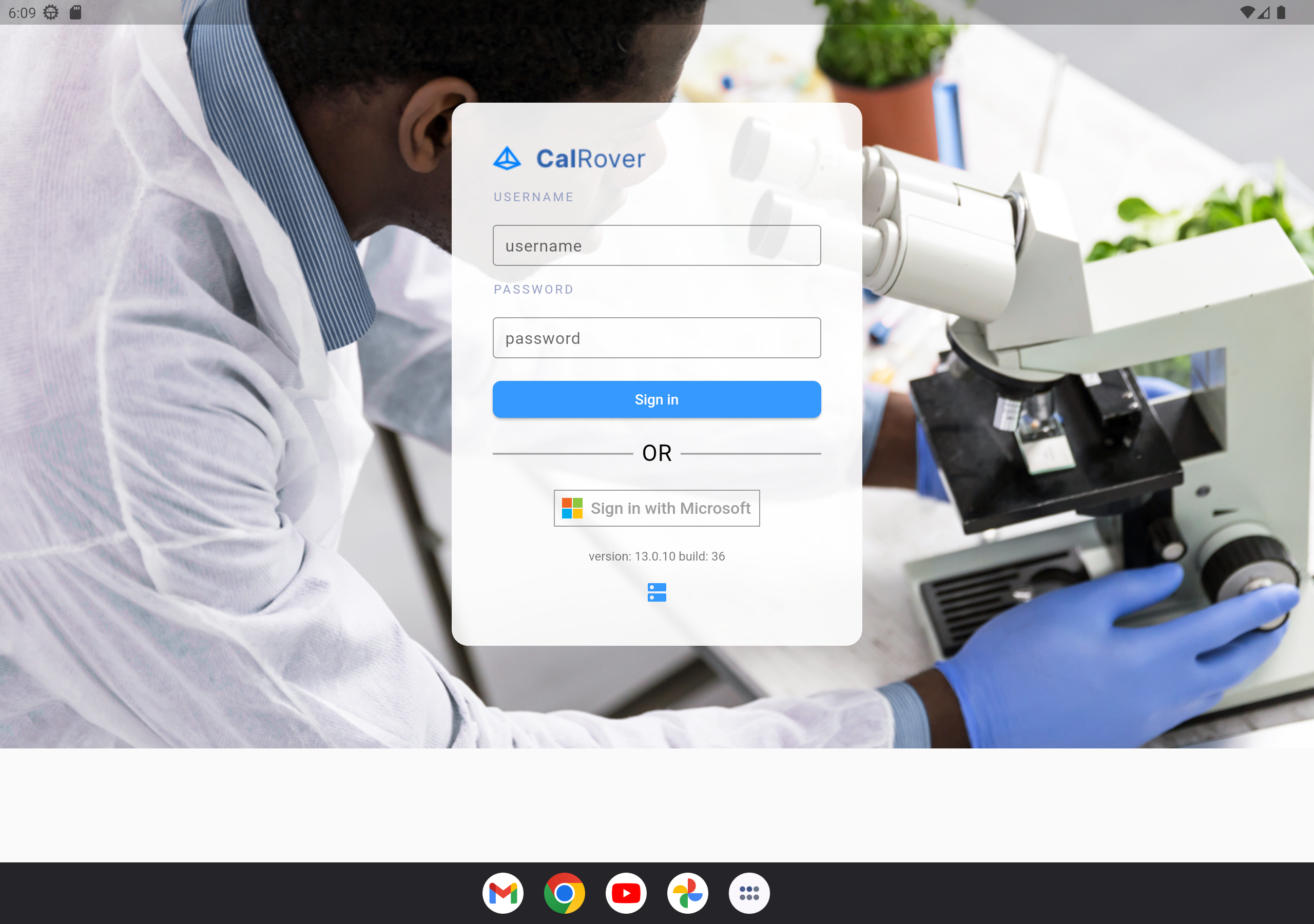
CalRover login screen
Use the same username and password you use to log in to the standard IndySoft client. You can also sign in with your Microsoft icon if it's correctly associated with your user.
Server settings
 The Server Settings icon represents the server settings of the environment you are connecting to. You'll need to enter your 3-tier server information here to connect successfully:
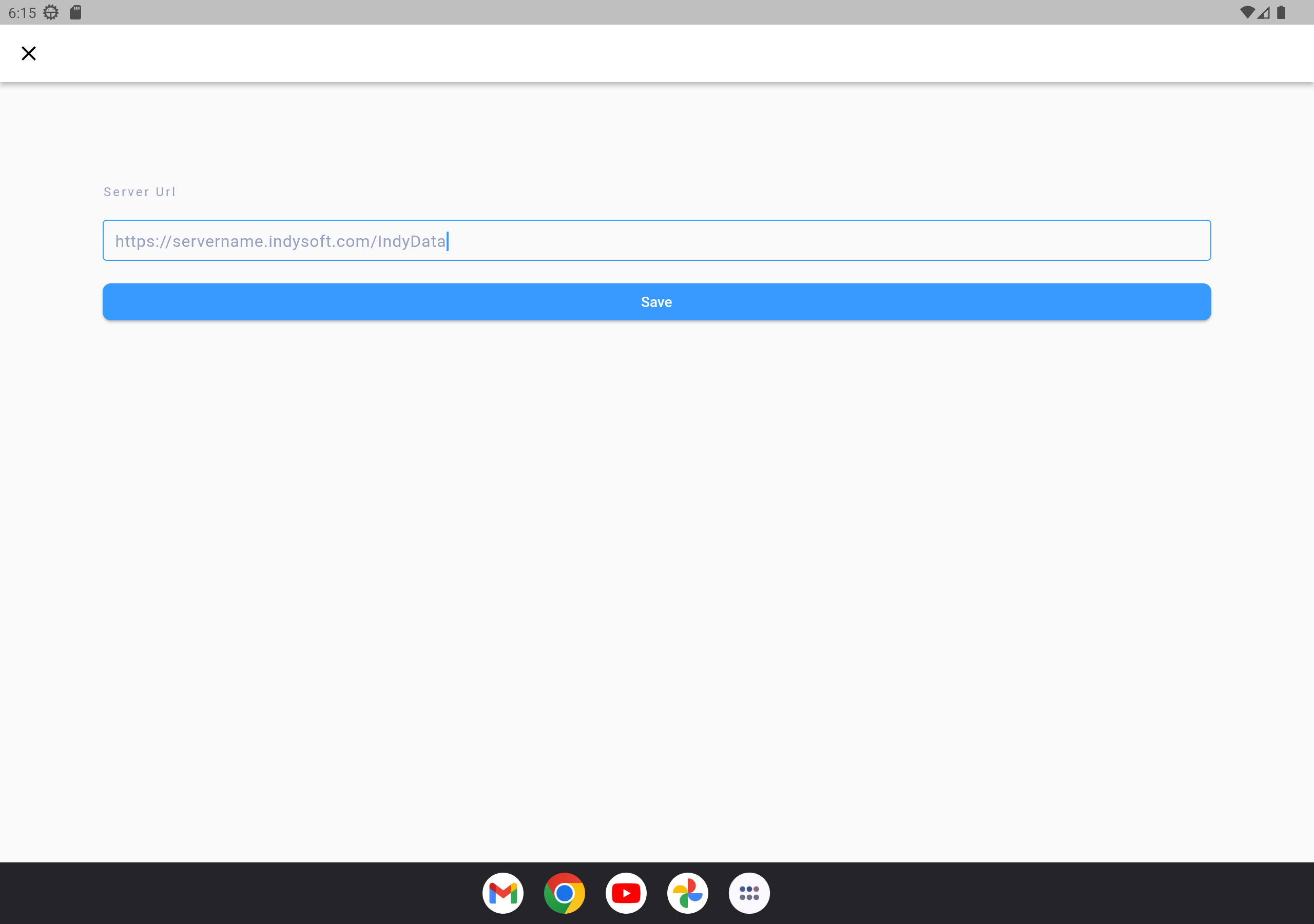
3-tier server settings