Using EasyCert QR codes in the IndySoft Client
The IndySoft client can use EasyCert QR codes to add equipment to events and to perform a quick scan-and-find from the equipment view.
Version requirement
This feature requires IndySoft EAM v14.1.7 or later.
Adding equipment to events
Without any configuration change, you can scan equipment into any multi-asset event using an EasyCert QR code.
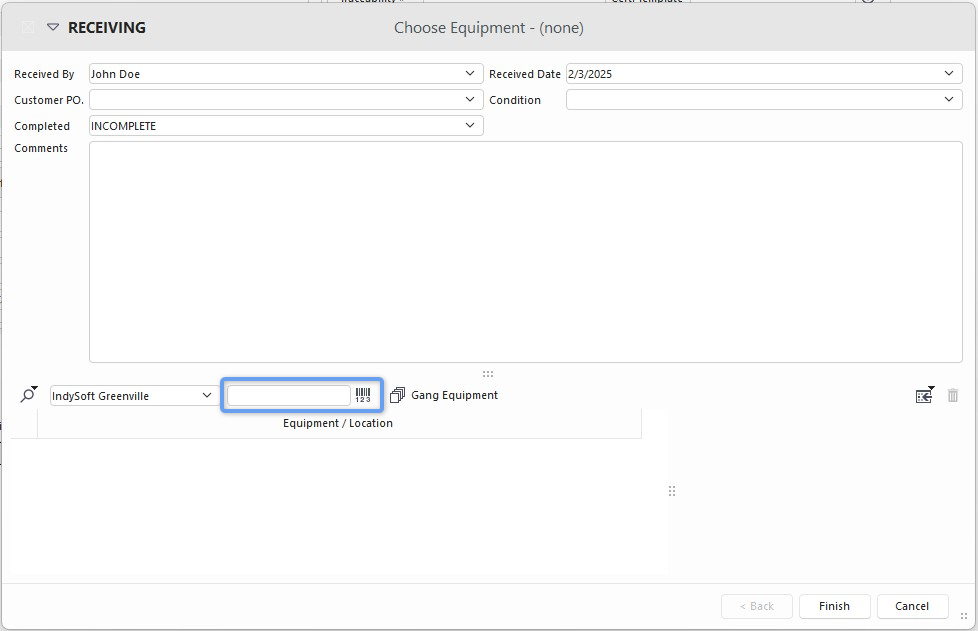
Scanning equipment into a multi-asset event
Equipment view scan-and-find
From the Equipment View, the search bar in the header can scan and locate any EasyCert QR-code object.
To enable this feature, make sure that Advanced Barcode Equipment Search Mode is enabled in System-Wide Preferences.
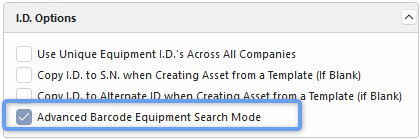
Enabling Advanced Barcode Equipment Search Mode
When enabled, the search field shows a barcode symbol.
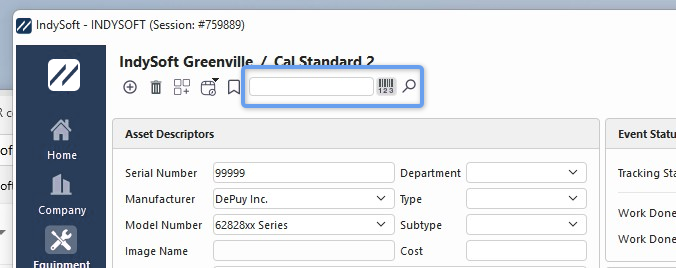
Search field with barcode symbol