Copy User Settings
User/Location Settings can be modified from Profile Manager per user by right-mouse clicking on the user name and selecting 'Edit User/Location Settings.' Standardizing these preferences one user at a time could be time-consuming if there are many users. IndySoft offers a 'Copy User Settings' option. From the main menu in Profile Manager, select 'Management...Copy User Settings.'
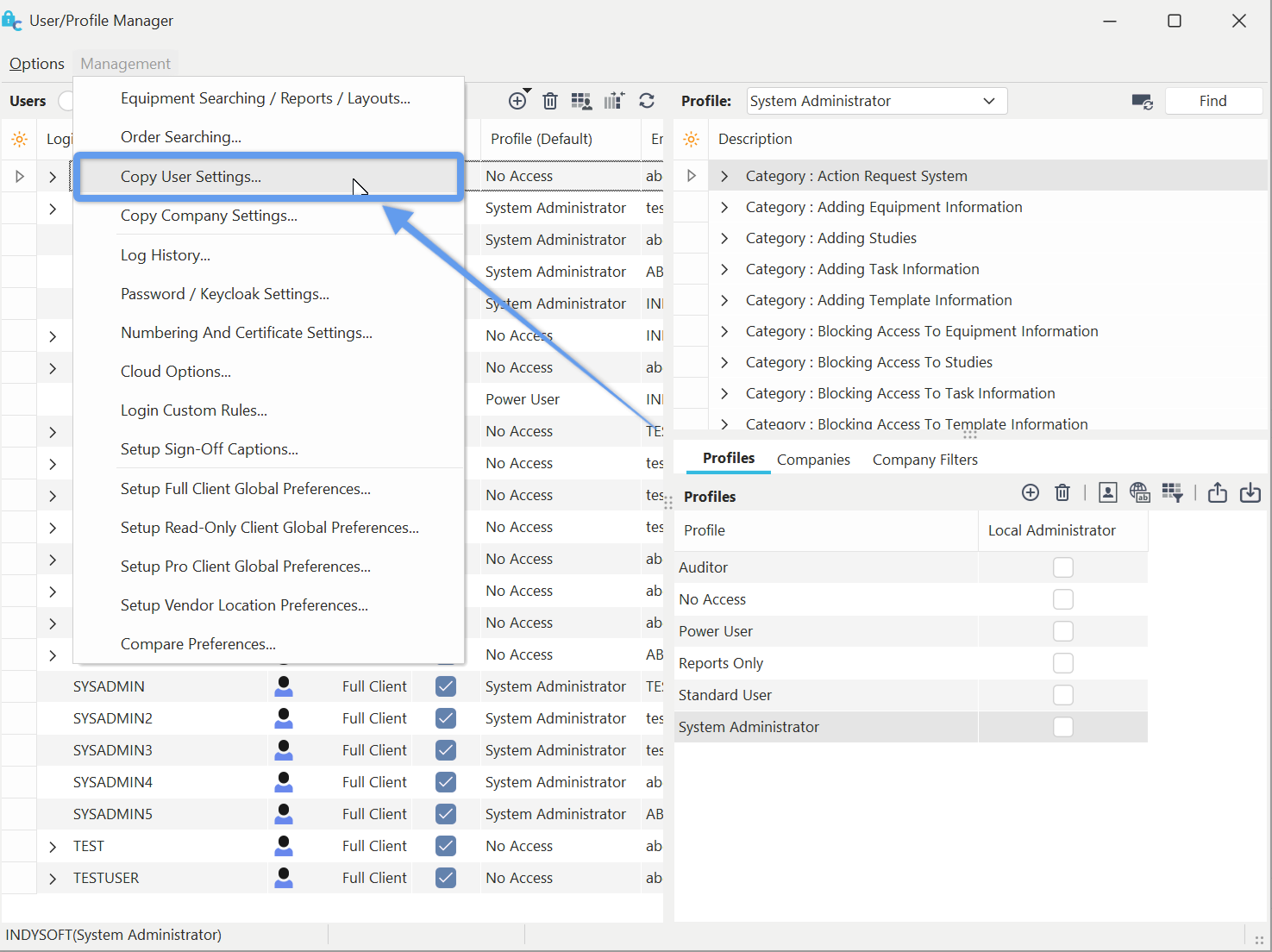
Locate 'Copy User Settings' on Profile Manager
The dialog below will then appear:
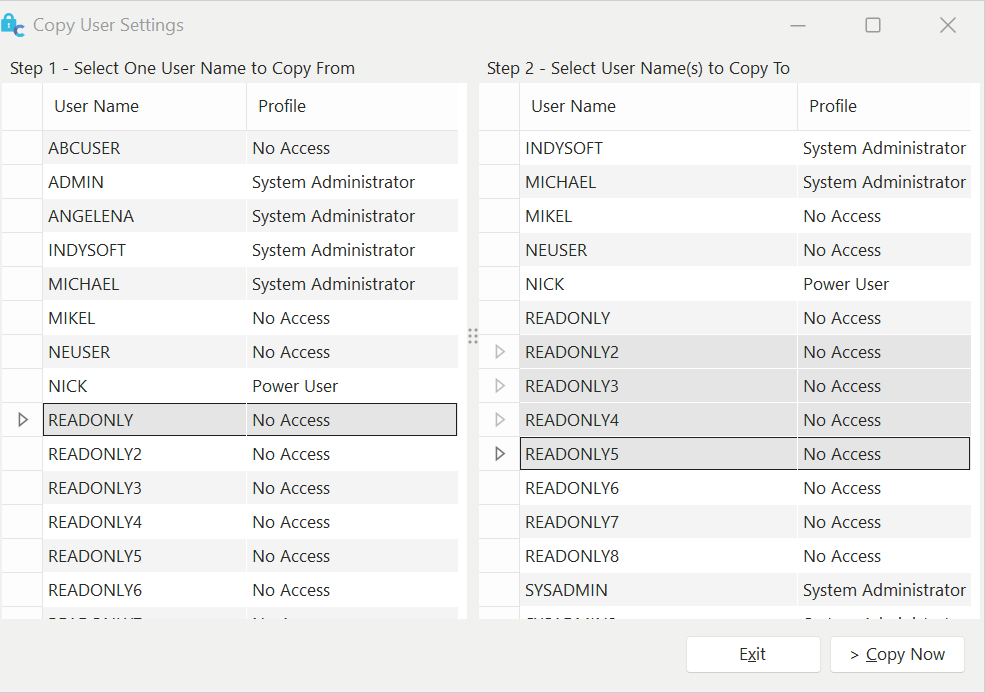
Copy User Settings
Select the user you want to copy from in the left-hand panel, then select one or more users from the right panel that should have received the same settings. Use Ctrl or Shift keyboard keys while left-mouse clicking to select multiple users. Press 'Copy Now' when you are ready to proceed.