Work Orders
The Work Orders screen displays all orders assigned to the currently logged-in technician. To perform a calibration, double-click the appropriate work order number.
The grid displays four columns:
- Work Order #
- Description
- Due Date
- Status
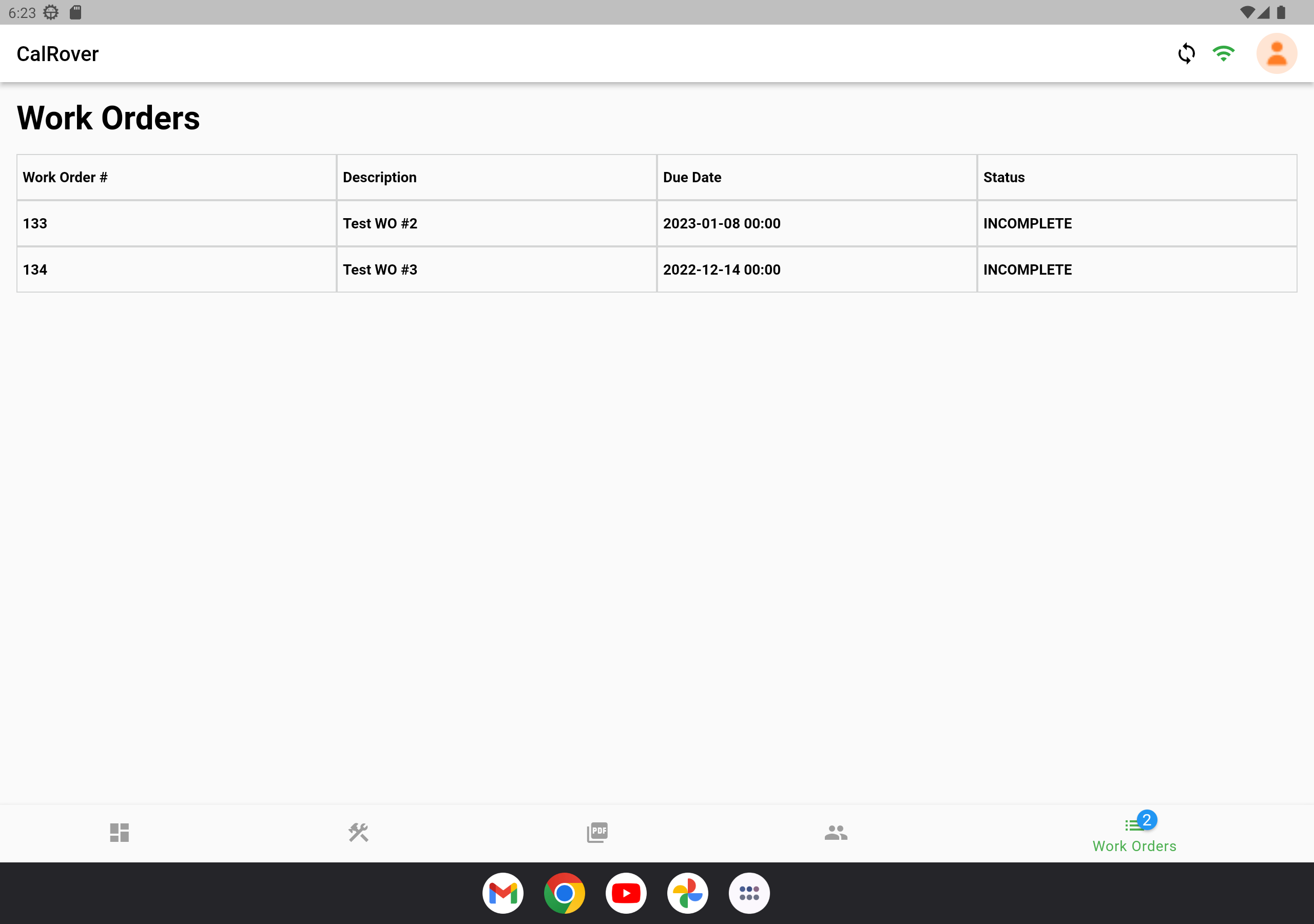
Work Orders screen
Double-clicking an order opens the Work Order Details screen:
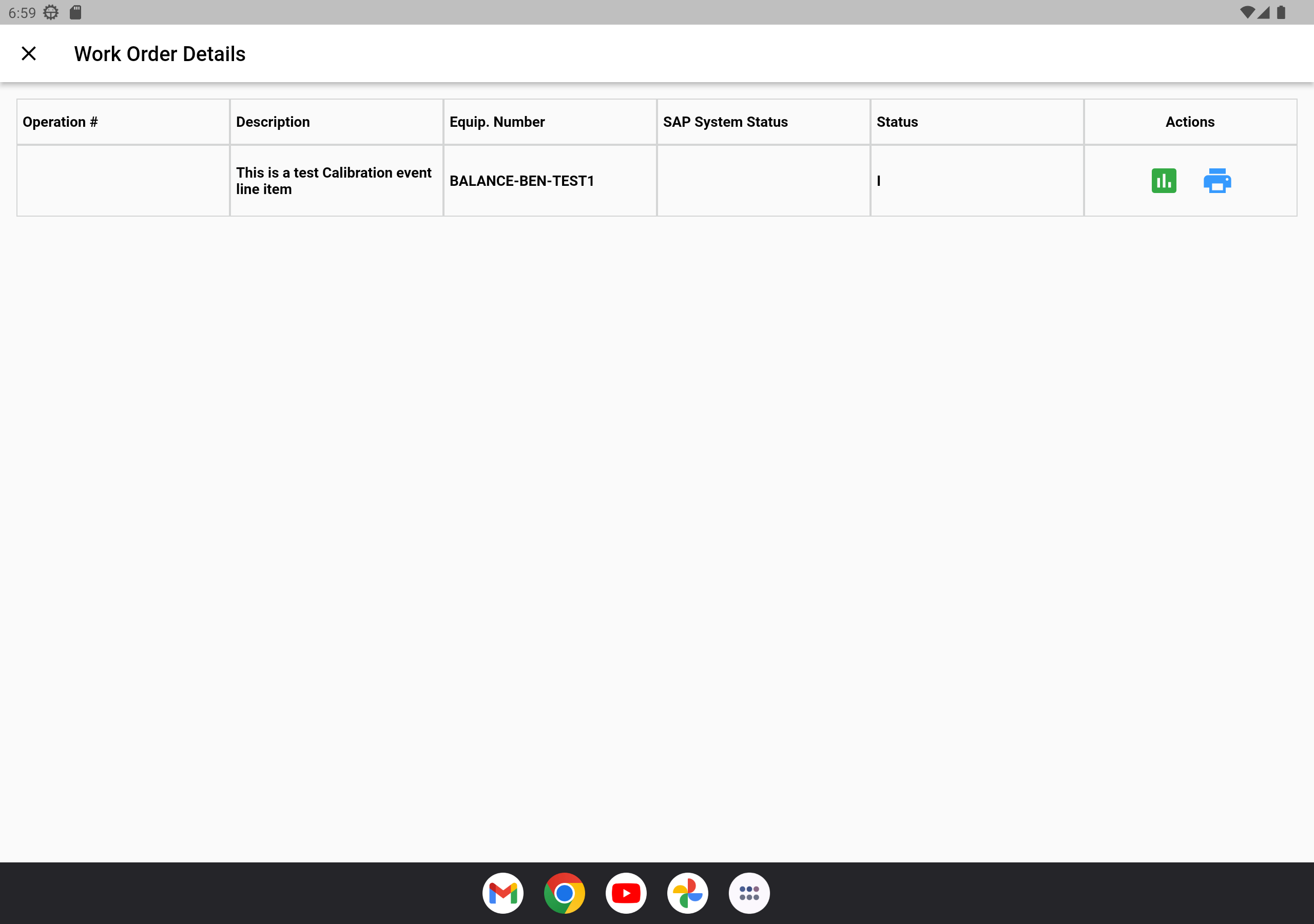
Work Order Details screen
From here, you can perform two actions on the listed equipment:
- Run a calibration event —

- Print calibration stickers —
