Invoices
Invoicing a work order in the IndySoft client lets you see the completed invoice and make changes before sending it to the customer. Choose Invoice from the View menu.
caution
Generated invoice documents are not updated if you make changes after generation.
Searching for an invoice
Use the binoculars icon to search for the invoice number you want.
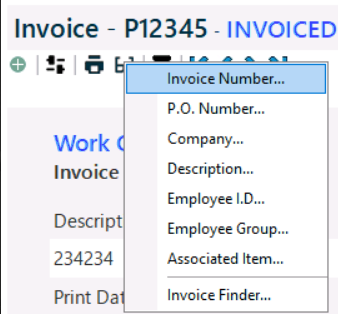
Invoice search
Once found, make sure the charges are correct, then view a copy of the invoice for accuracy.
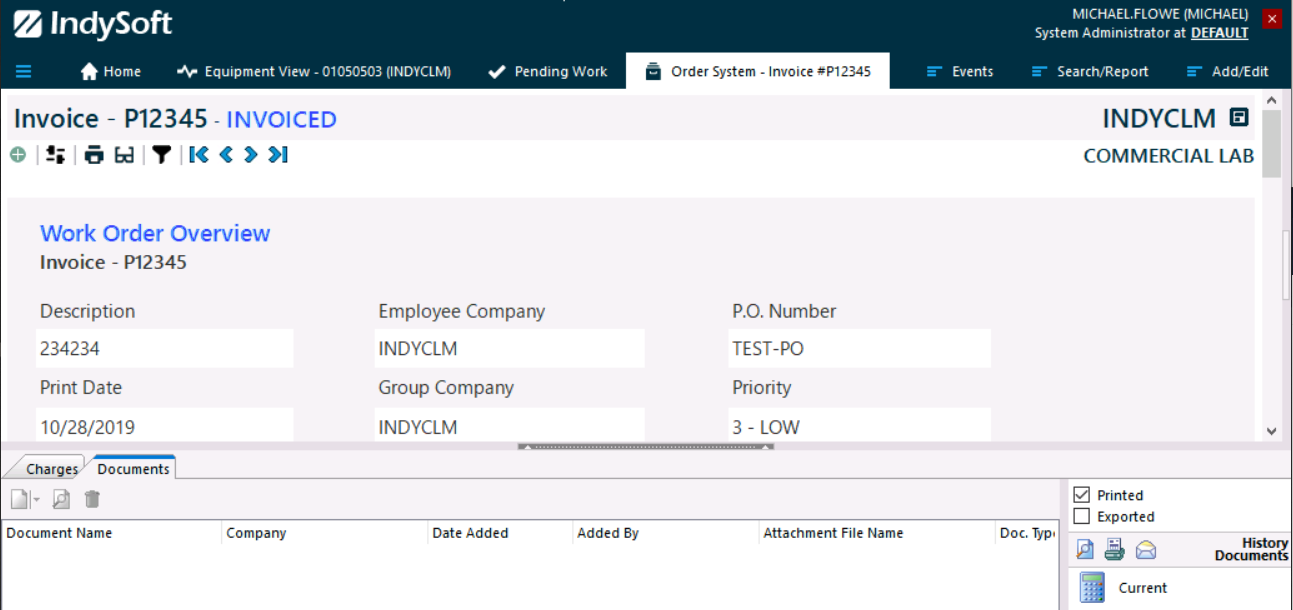
Invoice view
You can find a link to the invoice copy in the History section of the event layout for the related event types.