P.M.
The P.M. event logs preventive maintenance of equipment within IndySoft.
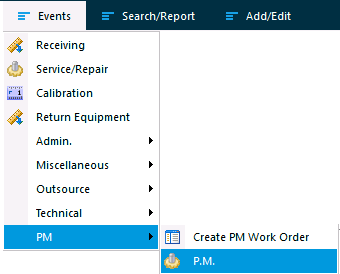
P.M. event
After launching the event, equipment can be added through the Choose Equipment options.
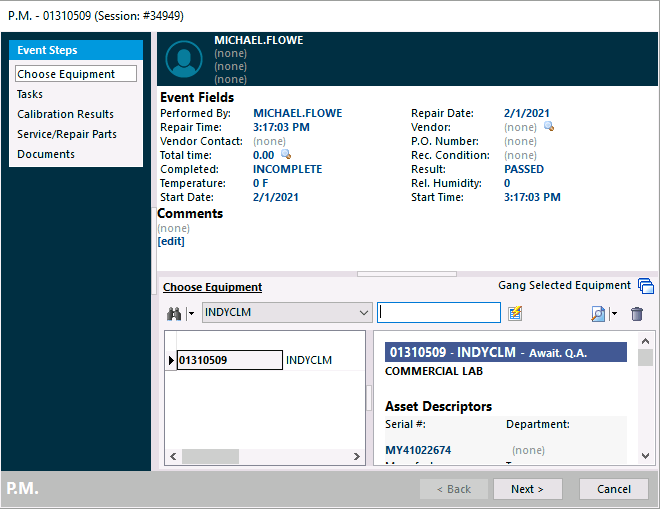
Choose Equipment
Step 1 — Event information
Event information is entered on the first page of the event.
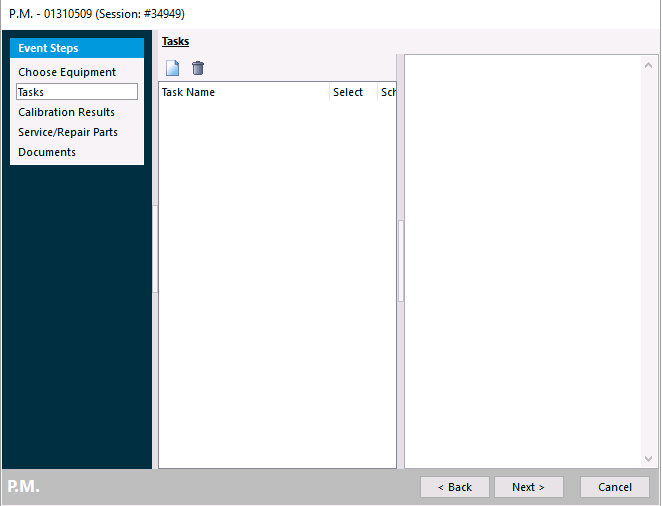
Step 1 — Event information
Step 2 — PM tasks
Associated PM tasks can be selected or added.
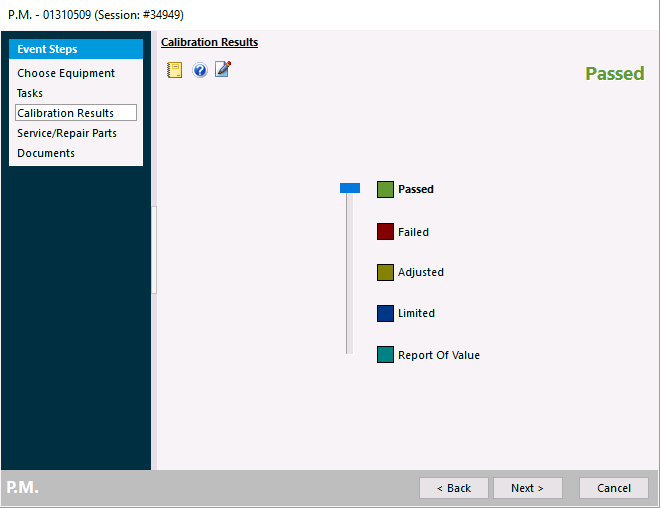
Step 2 — PM tasks
A result for the PM can be selected.
PM result
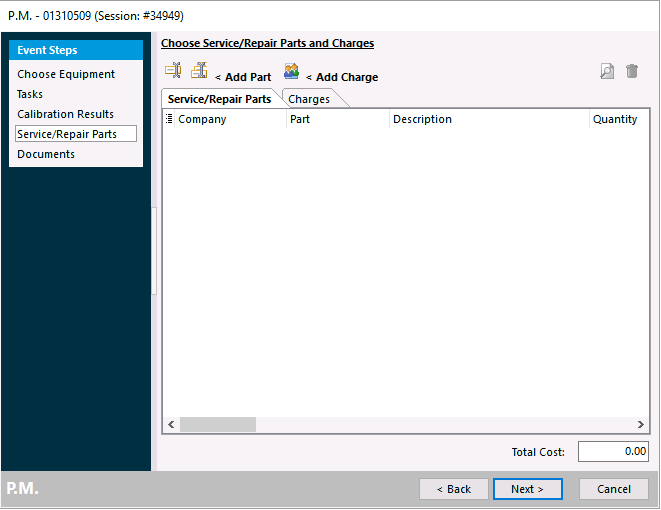
Step 3 — Charges
Charges for repair parts or labor can be added.
Charges
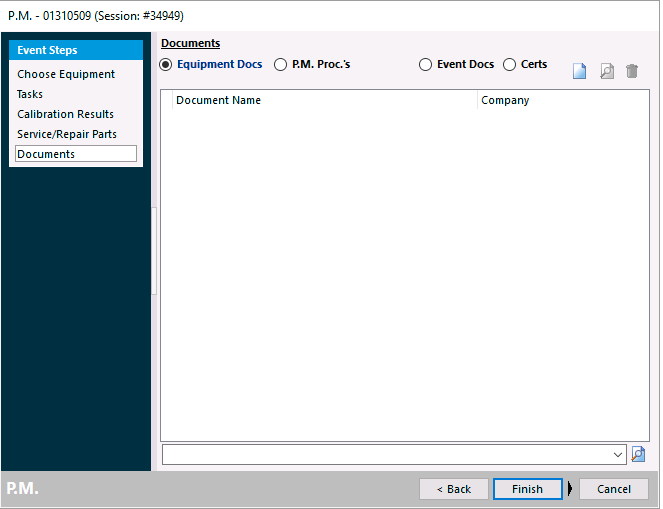
Step 4 — Documents
Documents can be viewed or added to the event.