Work Orders
Work Orders are used in IndySoft when receiving equipment from a customer. The work-order number is automatically generated and can be found in Order System → Work Orders.
In the IndySoft Calibration Management edition, the standard Receiving event automatically creates work orders for calibrations. (See the full IndySoft help manual for the configuration.)
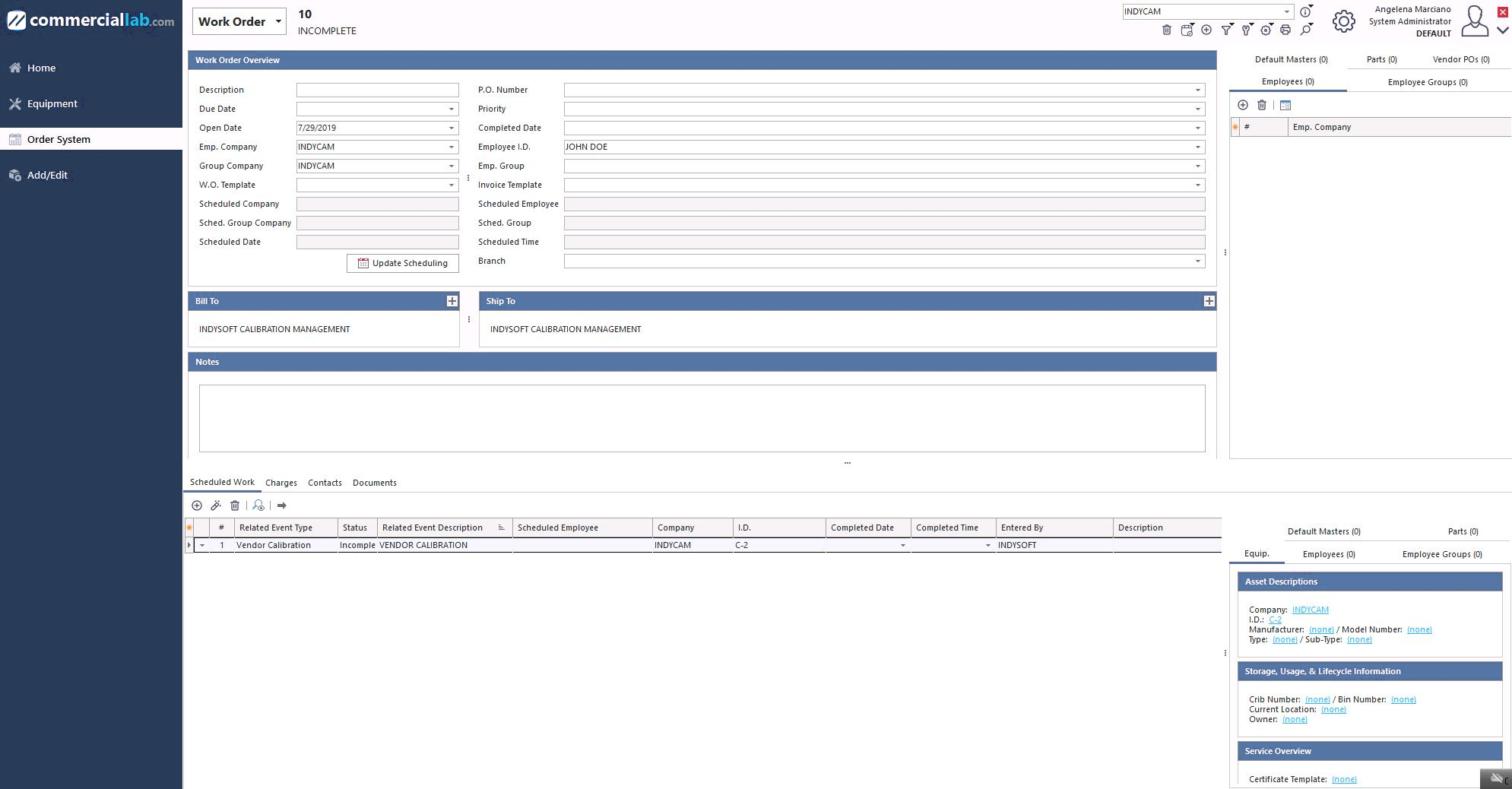
Order System → Work Orders
Searching for a work order
To search for the most current work order (or any work order), click the magnifying-glass icon  on the menu and select your search method.
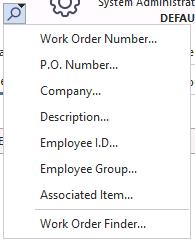
Work order search options
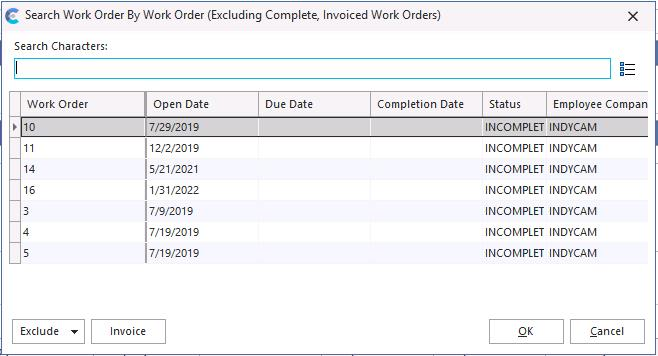
Work order search dialog
The Exclude button filters out work orders that haven't been completed or invoiced. By checking the Complete and Invoiced options, only the work-order numbers that haven't been worked on yet are shown.
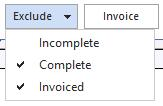
Work order results
Select the work-order number — it appears with the Charges tab selected. Click the Scheduled Work tab.
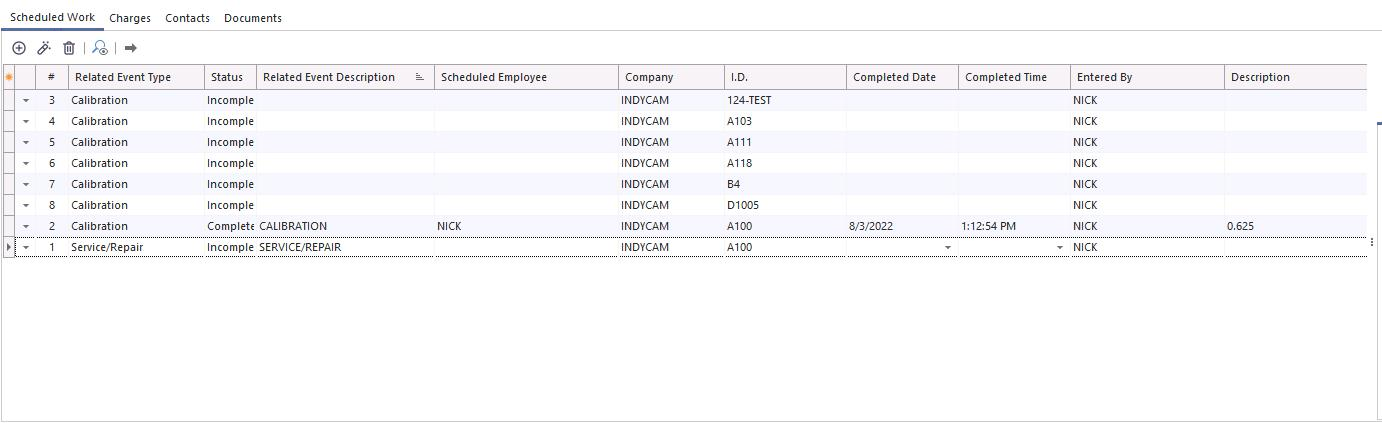
Scheduled Work tab
All equipment will have a status of Incomplete. Begin work by clicking the Go To Related Event icon  . The relevant event launches. Once the event is completed, the scheduled work is marked as complete.

Scheduled work — complete
Estimates and Invoicing are only available in the IndySoft Commercial Lab edition of the software.