Saving Equipment as a Template
When data has already been entered into the system and you want to create a template based on existing equipment information, IndySoft makes that easy. To add a template from existing equipment, click Save As Template at the bottom of the standard Equipment layout.
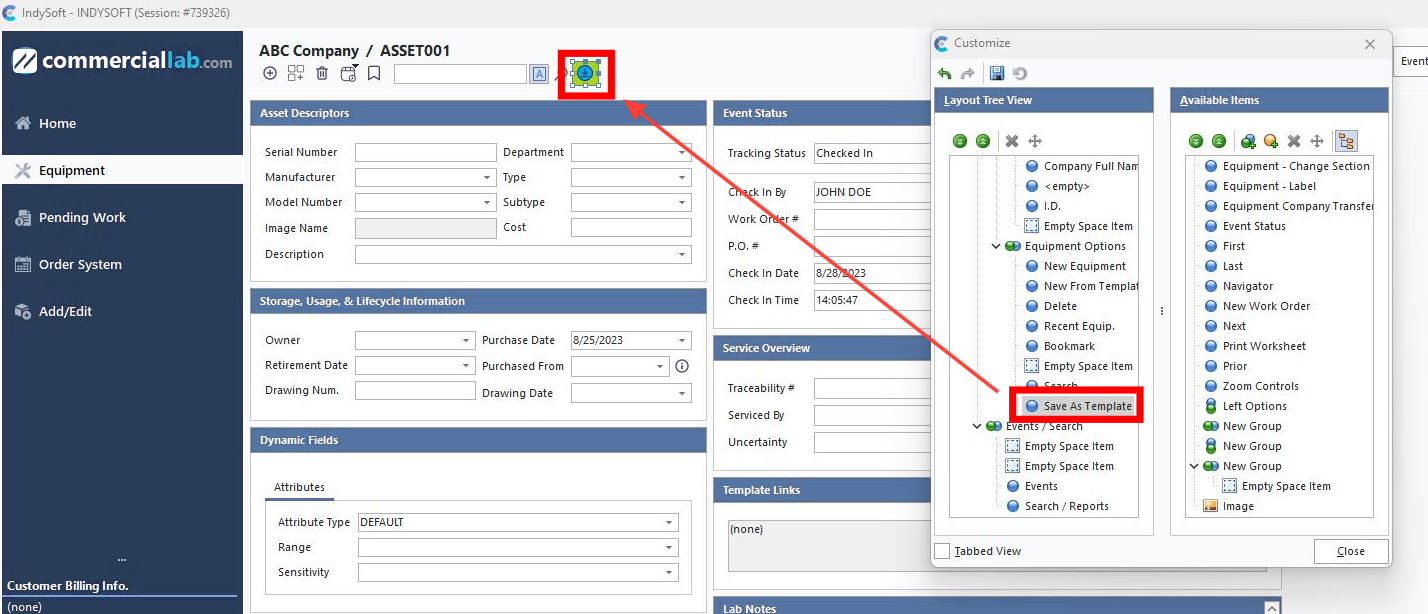
Save As Template
After clicking OK, all related equipment attributes are saved as a template.