Schedules
To enter a new schedule into IndySoft, select the Scheduling tab.
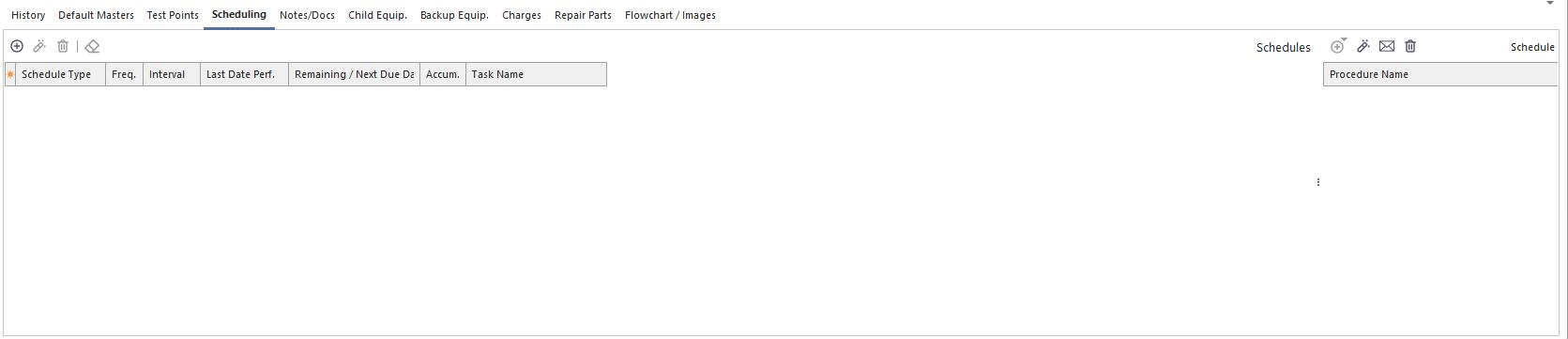
Scheduling tab
Click the Add a Schedule icon  . The dialog box below appears.
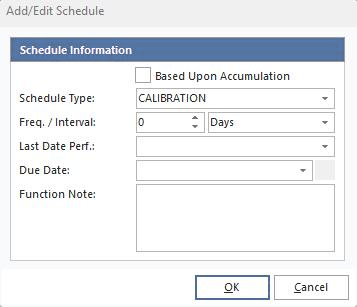
Add/Edit Schedule dialog
- Select Calibration from the Schedule Type drop-down.
- Set the Freq / Interval to 12 months.
- Make the Last Performed date today's date from the drop-down.
- Click OK.
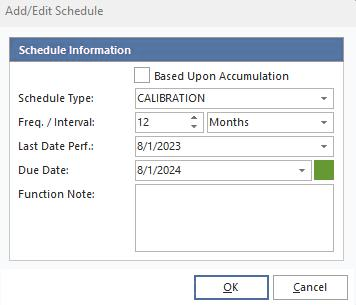
Completed schedule entry
The schedule is now visible in the Schedule grid.

Schedule grid