Calibration Results
The Calibration Results screen is used to record As Found and As Left data for a calibration.
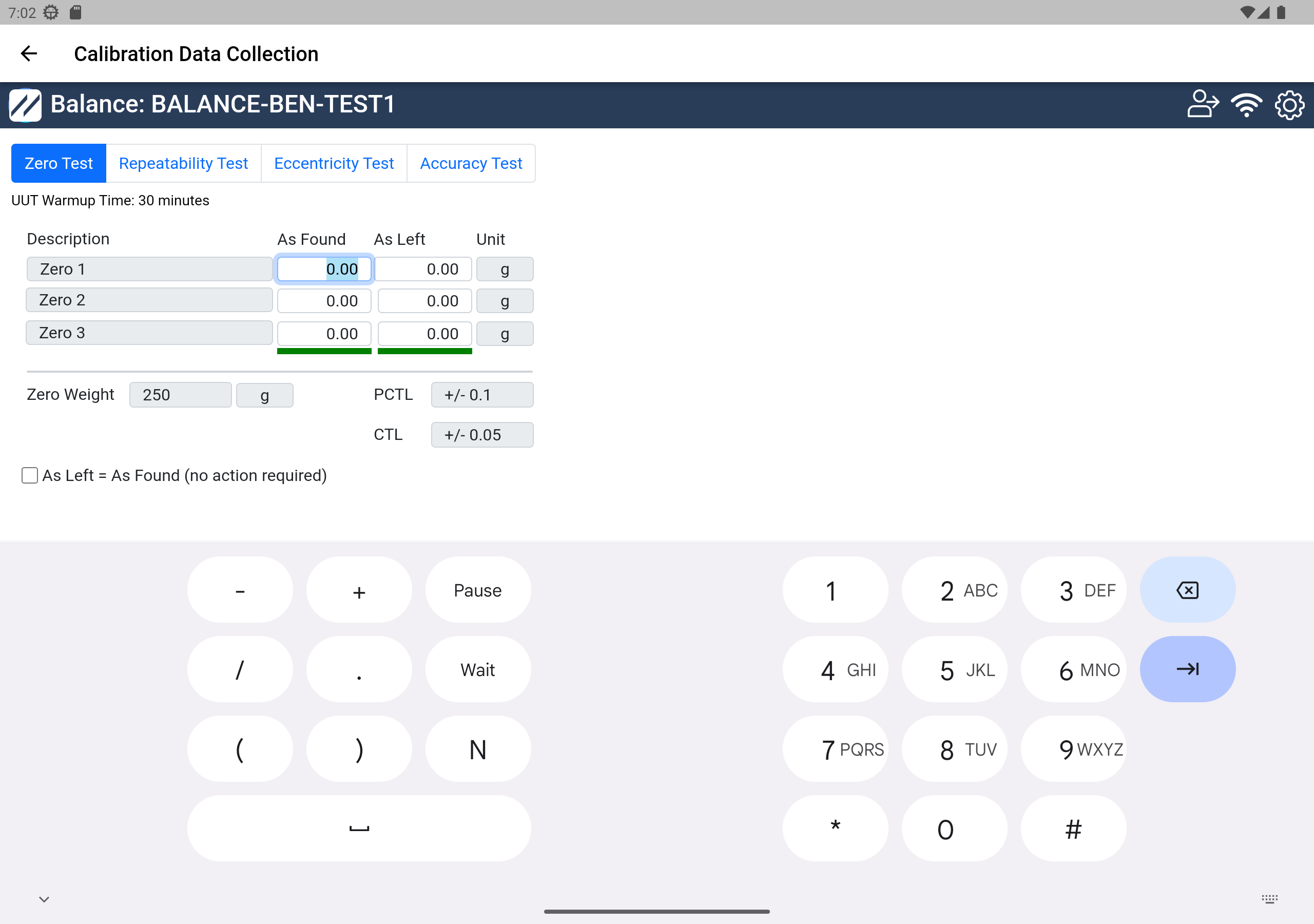
Calibration Results — Step 4
- As Found / As Left — Enter the As Found and As Left data in the appropriate columns. The Pass/Fail result is automatically calculated based on the configured tolerance information.
- If As Left equals As Found and you don't need to collect As Left data separately, use the on-screen checkbox to deactivate the As Left column in the grid.