Equipment Details
The Calibration Data Collection screen is the first screen presented when you double-tap a calibration.
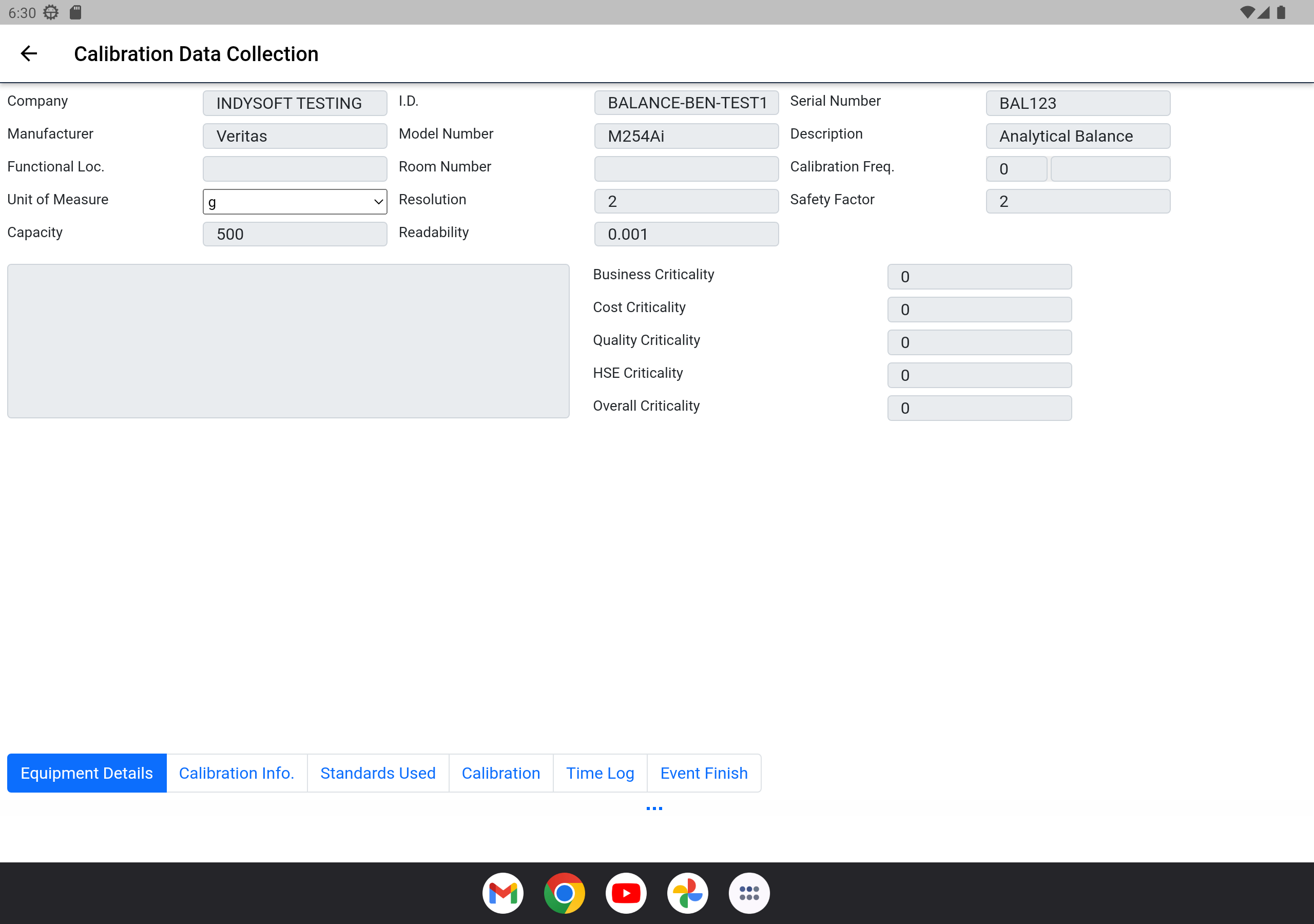
Equipment Details — Step 1
The first step is to enter basic information:
- Start Date — defaults to the current date of the calibration
- Start Time — defaults to the current time of the calibration
- Temperature — the temperature during the calibration
- Relative Humidity — the relative humidity during the calibration
- Total Time — total time the calibration takes to perform (can be auto-calculated when the calibration is completed)
- Received Condition — the condition the equipment was in when received for calibration
- Vendor — the vendor performing the calibration. For an internal calibration, use your own company name.
- Cert Number — the certificate number for the calibration. The number is generated uniquely from the technician's initials plus a year/month/date/time combination, so certificates have unique IDs without requiring a central database.
- Certification Type — the certificate template to use. Determines how the certificate looks when created.
- Branch — an optional branch that's calibrating the equipment, for multi-location calibration scenarios.
- Notes — any relevant notes about the calibration.
When you're ready to move to the next step, tap the appropriate tab above.