By User/Location
Many settings and preferences in IndySoft are stored and recalled specific to the current user plus their location. The user + location combination for the current login is shown in the top header on the Dashboard main screen — pressing the hyperlink (showing the current location, e.g. DEFAULT) takes you there.
There's also a small image to the right that launches the User/Location Settings dialog so you can modify settings (if your user-profile security allows).
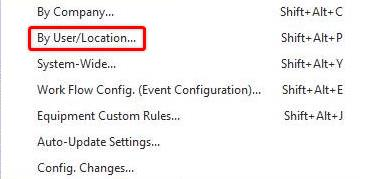
By User/Location preferences
User/Location Settings should be configured before use, per user.
See the IndySoft Help Manual for full configuration assistance.