Attributes
With IndySoft's expanded attribute types, you can add as many text and numeric fields as you like. Attributes can be viewed on the main screen as a tab, alongside Test Points, History, Schedules, and so on. This makes selecting an attribute easier and gives you more options.
Adding a new attribute type
-
Select Add/Edit from the main-screen menu, then Attribute Types.
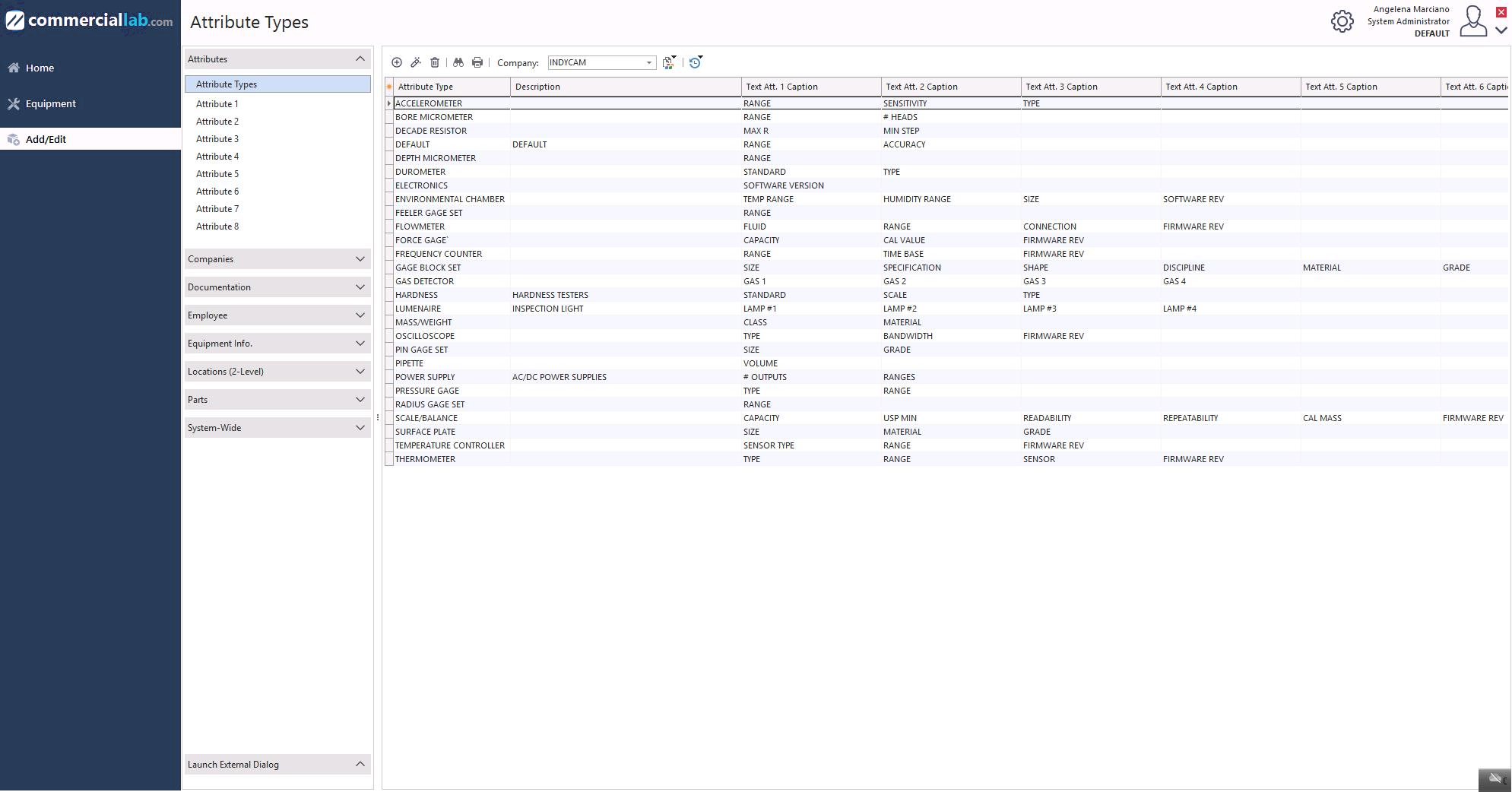
Add/Edit → Attribute Types menu
-
Click the Add New icon
 .
.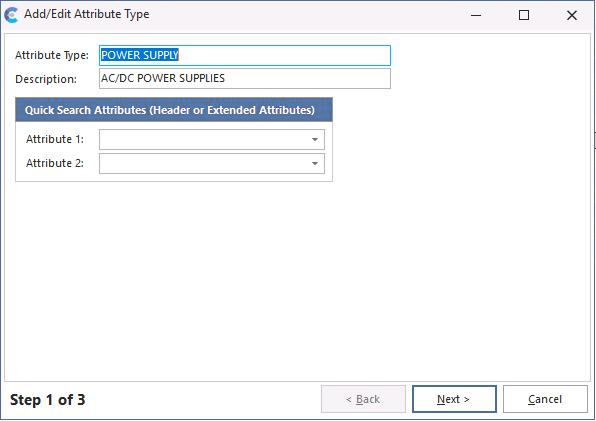
New attribute type
-
When the attribute type has been added, click Next.
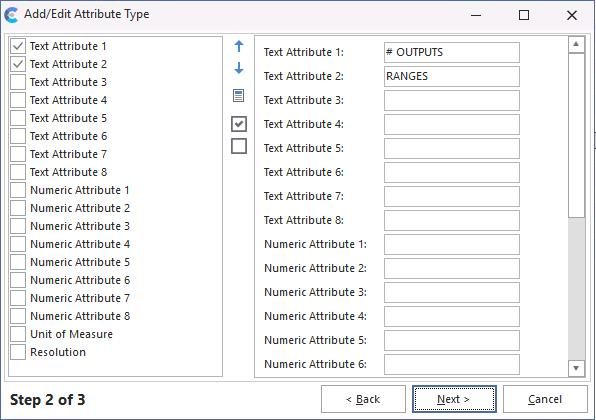
Step 2 — define attribute fields
-
For each field you want, check Text or Numeric on the left, then add the information as you want it shown on the main screen. Click Next.
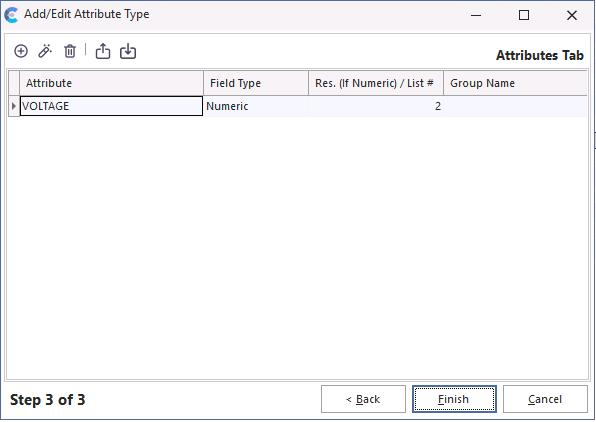
Step 3 — attribute values
-
For each attribute type in step 3, click Add New and enter the information.
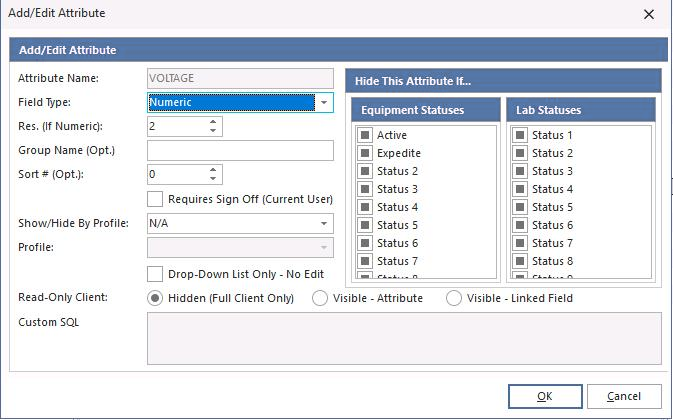
Adding attribute values
-
When all attribute types have been added, click Finish to return to the main screen.
Populating attribute values
Add/Edit → Attributes
Select Add / Edit → Attributes to add values to each attribute.
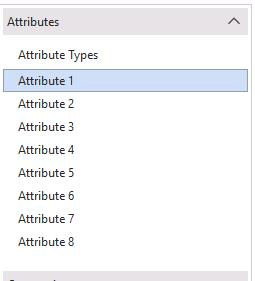
Selecting an attribute
Select the attribute number to open this screen:
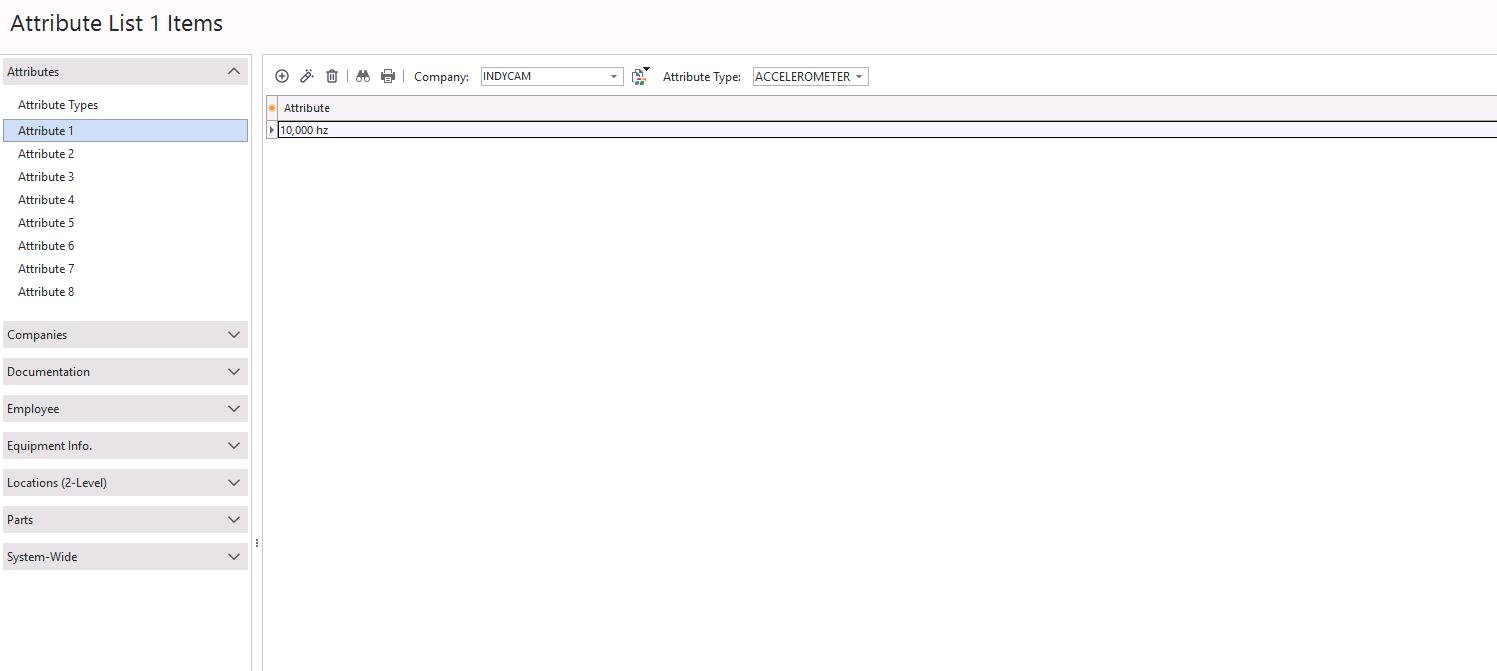
Attribute editor
Company and Attribute Type control the available attribute values.